Cloud capacity and machine configuration
A cloud environment separates four concerns:
- the cached provider catalog (machines, images, disks, zones, and prices);
- capacity targets that planners may select;
- versioned machine configurations expressed as Ansible playbooks;
- provisioned instances and their asynchronous lifecycle operations.
Provider support in v1.0
| Capability | Google Cloud | AWS |
|---|---|---|
| Store provider credentials | Yes | Yes |
| Discover compute machines, images, disks, zones, and prices | Yes | Not yet |
| Provision compute capacity with Terraform | Yes | Not yet |
| Transfer artifacts through object storage | GCS through configured storage adapters | S3 and S3-compatible endpoints |
For a runnable Google Cloud setup, continue with Configure Google Cloud. For AWS, read Configure AWS before creating an environment: v1.0 can use AWS credentials for S3 data movement, but cannot create or discover EC2 workers. This distinction prevents a stored credential from being mistaken for a working compute provider.
Synchronize the provider catalog
Using AkôFlow Desktop
Open a cloud environment and select Cloud capacity. If no cached catalog exists, refresh it. Search and filter machine families and images, then choose a compatible disk. Displayed estimates combine catalog compute pricing and configured disk size; they are estimates rather than provider invoices.
Using the API
curl --fail-with-body -H "Authorization: Bearer $AKOFLOW_API_TOKEN" \
  -X POST "$AKOFLOW_API_URL/environments/gcp-lab/cloud-catalog/refresh/"

curl --fail-with-body -H "Authorization: Bearer $AKOFLOW_API_TOKEN" \
  "$AKOFLOW_API_URL/environments/gcp-lab/cloud-catalog/"
The GET endpoint returns 404 until a catalog has been synchronized. Provider credentials must already be stored and referenced by the cloud environment connection.
Create a capacity target
Using AkôFlow Desktop
- Choose a catalog machine, image, disk, and disk size.
- Select a zone policy, provisioning mode, maximum instance count, and lifecycle policy.
- Optionally attach an additional machine-configuration version.
- Save the target. It becomes a provisioned cloud resource available to planning.
Using the API
curl --fail-with-body -H "Authorization: Bearer $AKOFLOW_API_TOKEN" \
  -H 'Content-Type: application/json' -X POST \
  "$AKOFLOW_API_URL/environments/gcp-lab/cloud-capacity-targets/" \
  -d '{
    "name":"E2 standard worker",
    "provider":"gcp",
    "providerMachineType":"e2-standard-4",
    "region":"us-central1",
    "zonePolicy":"any",
    "imageReference":"projects/debian-cloud/global/images/family/debian-12",
    "architecture":"x86_64",
    "vcpu":4,
    "memoryMiB":16384,
    "provisioningMode":"standard",
    "maximumInstances":2,
    "lifecyclePolicy":"destroy-after-run",
    "configuration":{"diskType":"pd-balanced","diskSizeGiB":30,"network":"default"},
    "machineConfigurations":[{"configurationVersionId":"akoflow-scientific-worker-v4","executionOrder":0,"required":true,"enabled":true}]
  }'
The server supplies the target ID and environment ID when omitted, enables the target, and creates the corresponding provisioned resource. Machine/image identifiers are provider values from the synchronized catalog.
Create and version a machine configuration
Using AkôFlow Desktop
Open Infrastructure → Machine configurations. Create a named configuration, edit its Ansible playbook, validate it, and save a version. Existing capacity targets refer to a specific configuration-version ID, not to mutable editor contents.
Using the API
Validate YAML before saving it:
curl --fail-with-body -H "Authorization: Bearer $AKOFLOW_API_TOKEN" \
  -H 'Content-Type: application/json' -X POST \
  "$AKOFLOW_API_URL/machine-configuration-validations/" \
  -d '{"playbookYaml":"---\n- name: Configure worker\n  hosts: all\n  become: true\n  tasks:\n    - name: Install curl\n      ansible.builtin.package:\n        name: curl\n        state: present\n"}'
Create the configuration and then its first version:
curl --fail-with-body -H "Authorization: Bearer $AKOFLOW_API_TOKEN" \
  -H 'Content-Type: application/json' -X POST "$AKOFLOW_API_URL/machine-configurations/" \
  -d '{"id":"analysis-worker","name":"Analysis worker","description":"Packages used by analysis jobs"}'

curl --fail-with-body -H "Authorization: Bearer $AKOFLOW_API_TOKEN" \
  -H 'Content-Type: application/json' -X POST \
  "$AKOFLOW_API_URL/machine-configurations/analysis-worker/versions/" \
  -d '{"version":1,"status":"published","playbookYaml":"---\n- name: Configure worker\n  hosts: all\n  tasks: []\n","compatibility":{"providers":["gcp"]}}'
Validation checks playbook structure and returns valid, a content hash, and errors when present. It does not provision a machine or execute the playbook.
Provision and follow an instance
Using AkôFlow Desktop
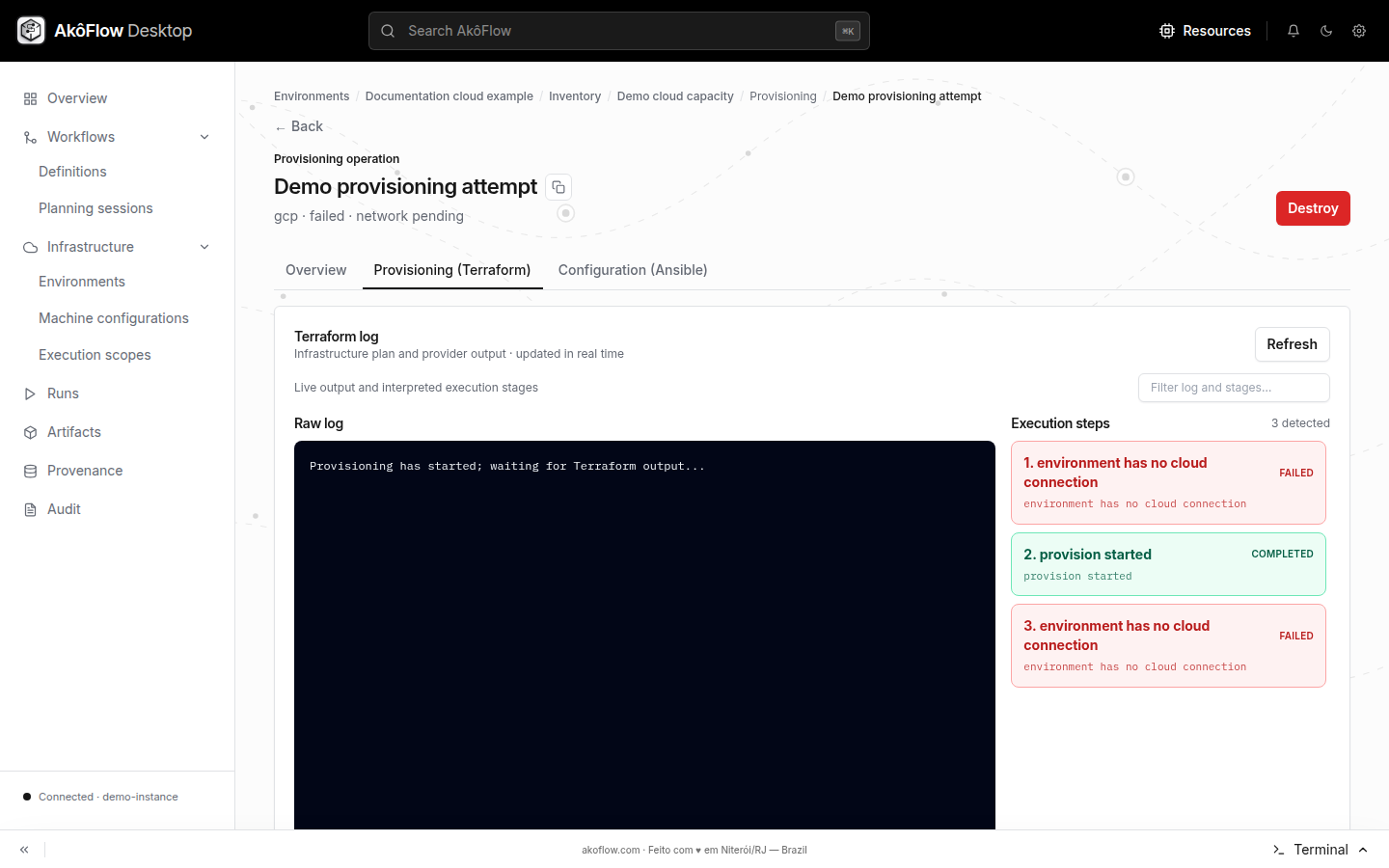
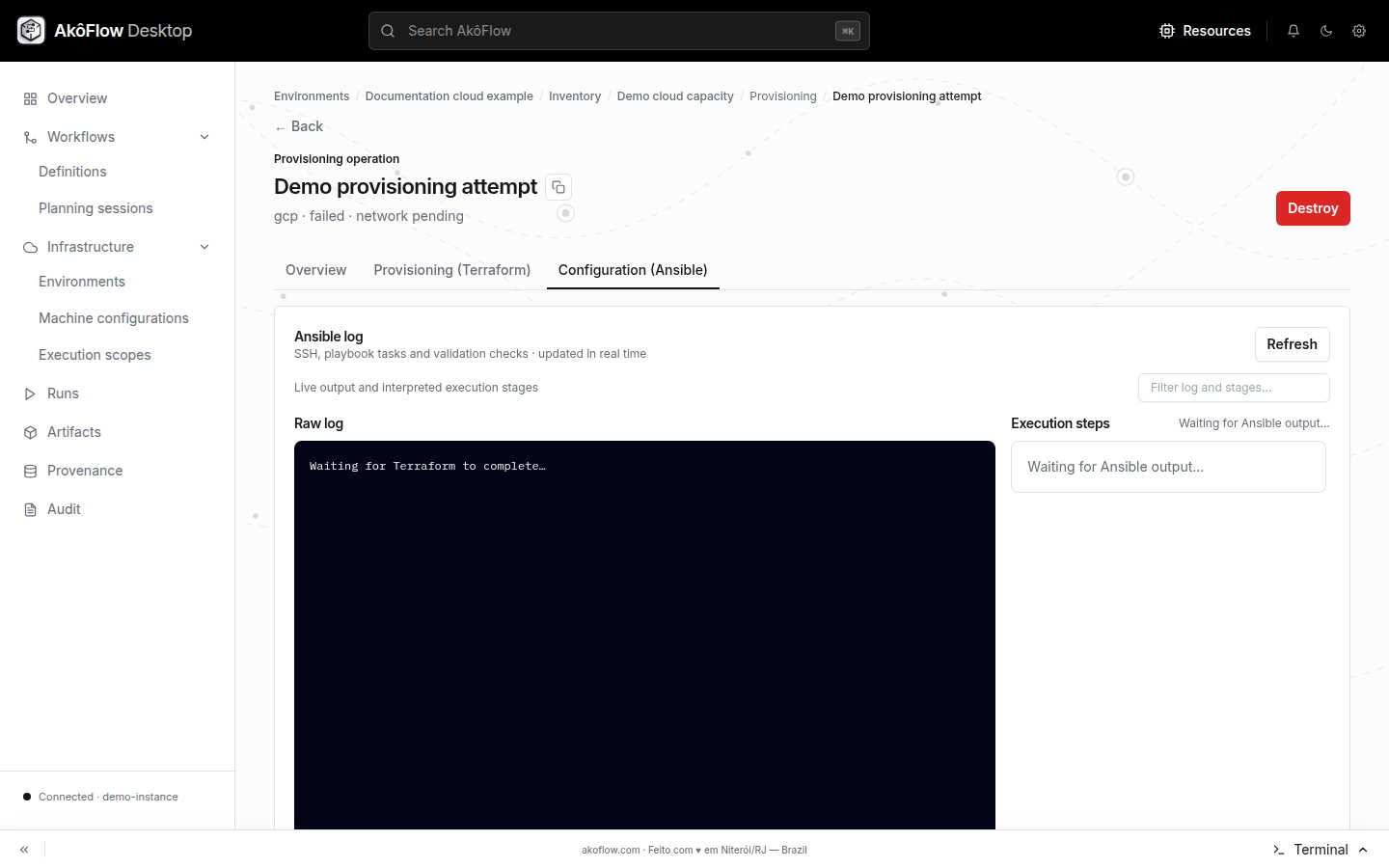
Open a cloud resource or the environment Provisioning tab and start provisioning from a capacity target. The operation view separates Terraform provisioning from machine configuration and shows events and logs as they become available. Provisioning is asynchronous.
Using the API
curl --fail-with-body -H "Authorization: Bearer $AKOFLOW_API_TOKEN" \
  -H 'Content-Type: application/json' -X POST \
  "$AKOFLOW_API_URL/environments/gcp-lab/cloud-provisioning/" \
  -d '{"capacityTargetId":"<capacity-target-id>"}'

# Follow all operations, then inspect the selected operation and its events
curl --fail-with-body -H "Authorization: Bearer $AKOFLOW_API_TOKEN" "$AKOFLOW_API_URL/cloud-operations/"
curl --fail-with-body -H "Authorization: Bearer $AKOFLOW_API_TOKEN" "$AKOFLOW_API_URL/cloud-operations/<operation-id>/"
curl --fail-with-body -H "Authorization: Bearer $AKOFLOW_API_TOKEN" "$AKOFLOW_API_URL/cloud-operations/<operation-id>/events/"
The provisioning request queues an operation; it does not wait for the instance to become ready. Lifecycle endpoints also exist for configure, validate, start, stop, and destroy. Before destructive lifecycle actions, inspect the instance and active operation state in Desktop or through the API.
Follow cloud capacity in Desktop
A cloud environment remains the parent record for catalog synchronization, capacity targets, and provisioning history.
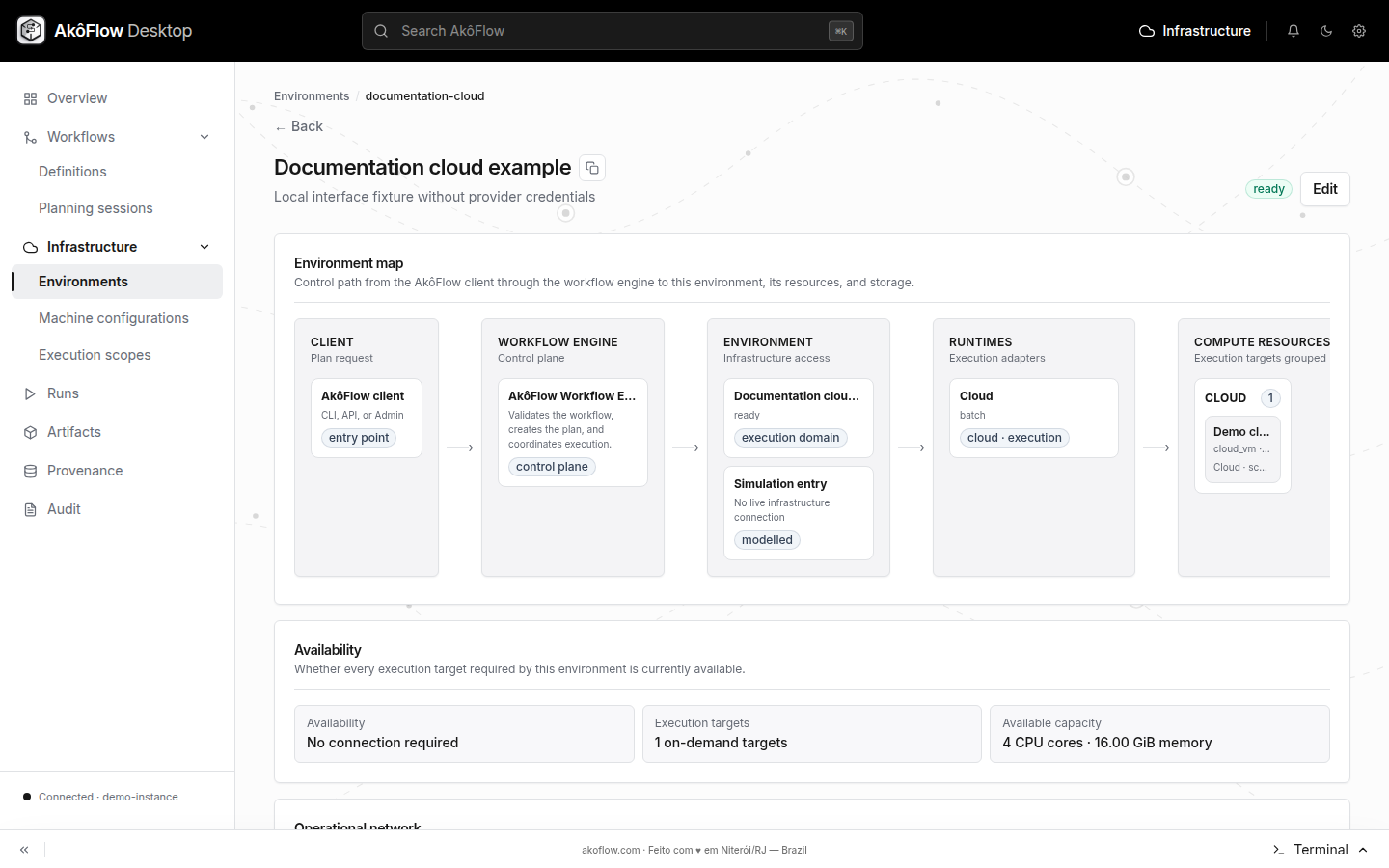
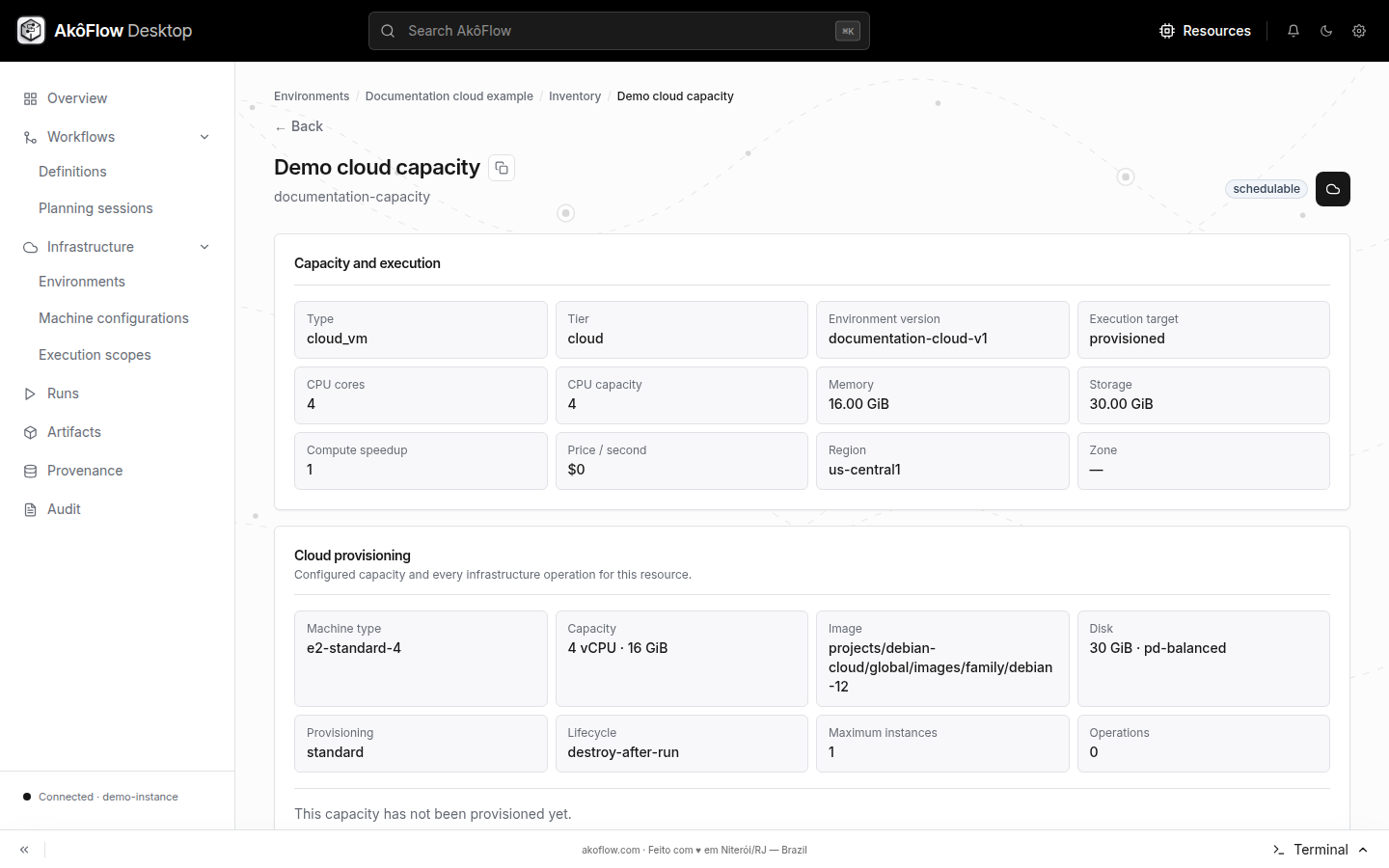
Cloud capacity summarizes the selected machine, image, disk, network, and estimated provider pricing before any instance is created.
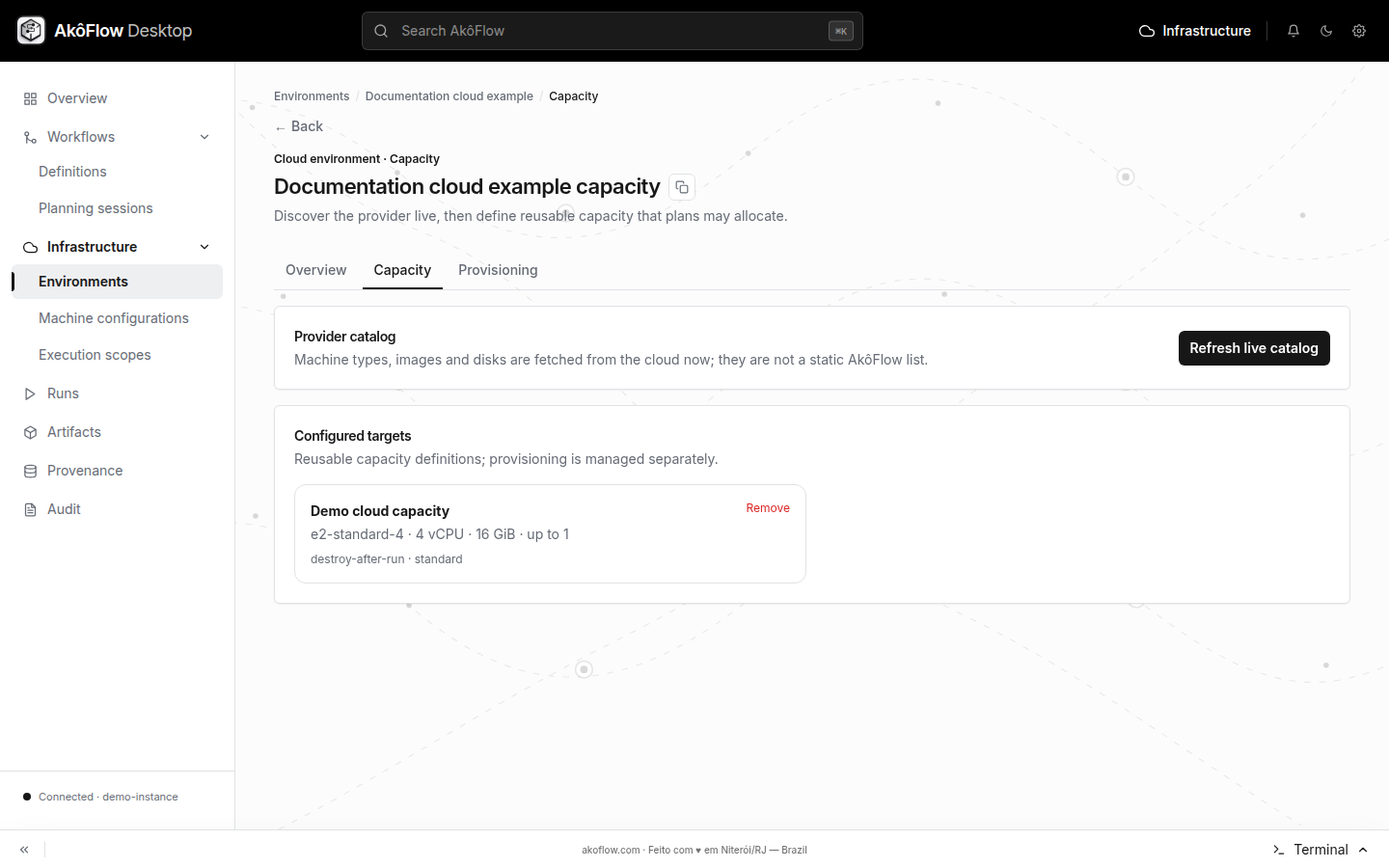
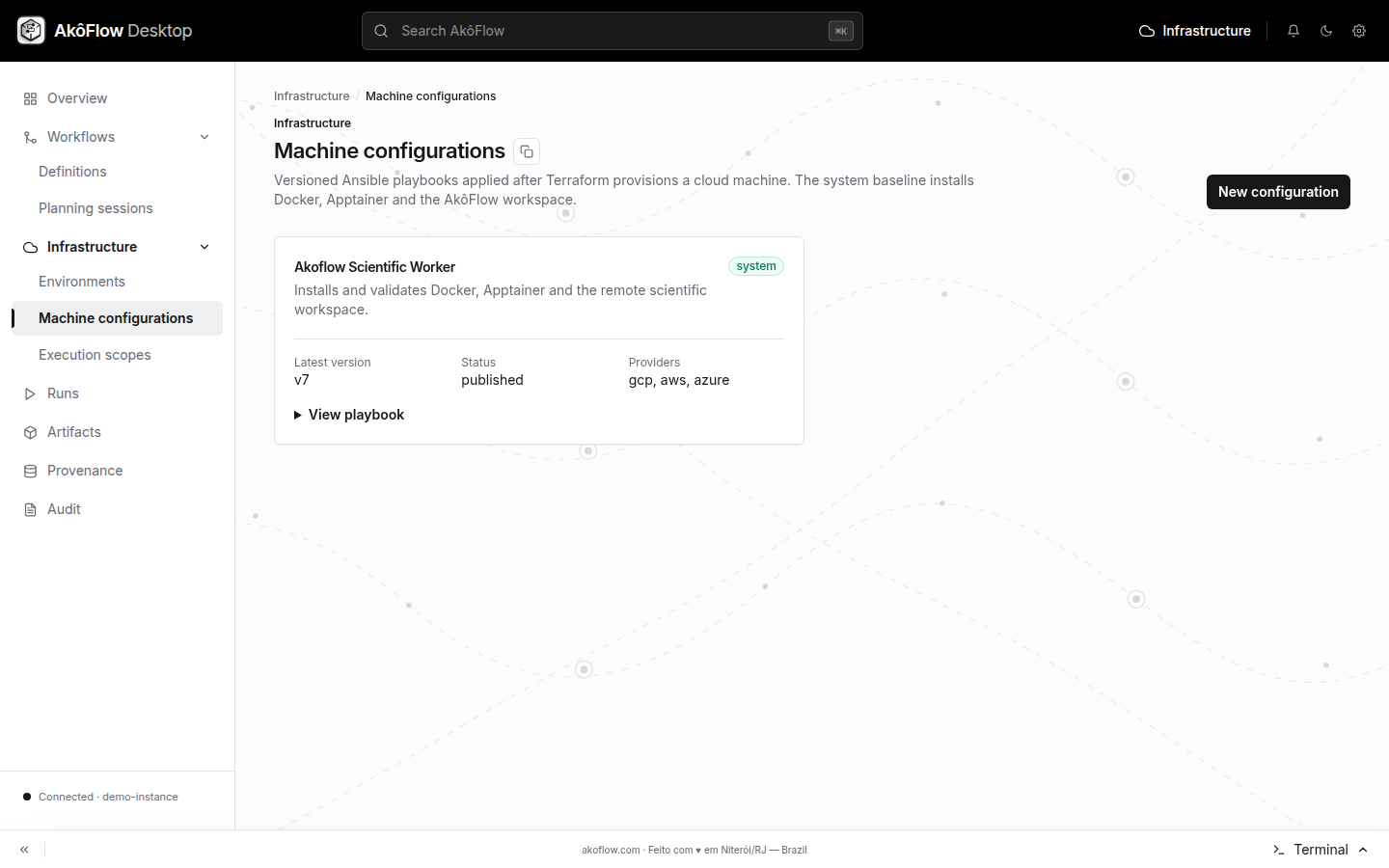
Reusable machine configurations are managed separately and can be associated with a target before provisioning.
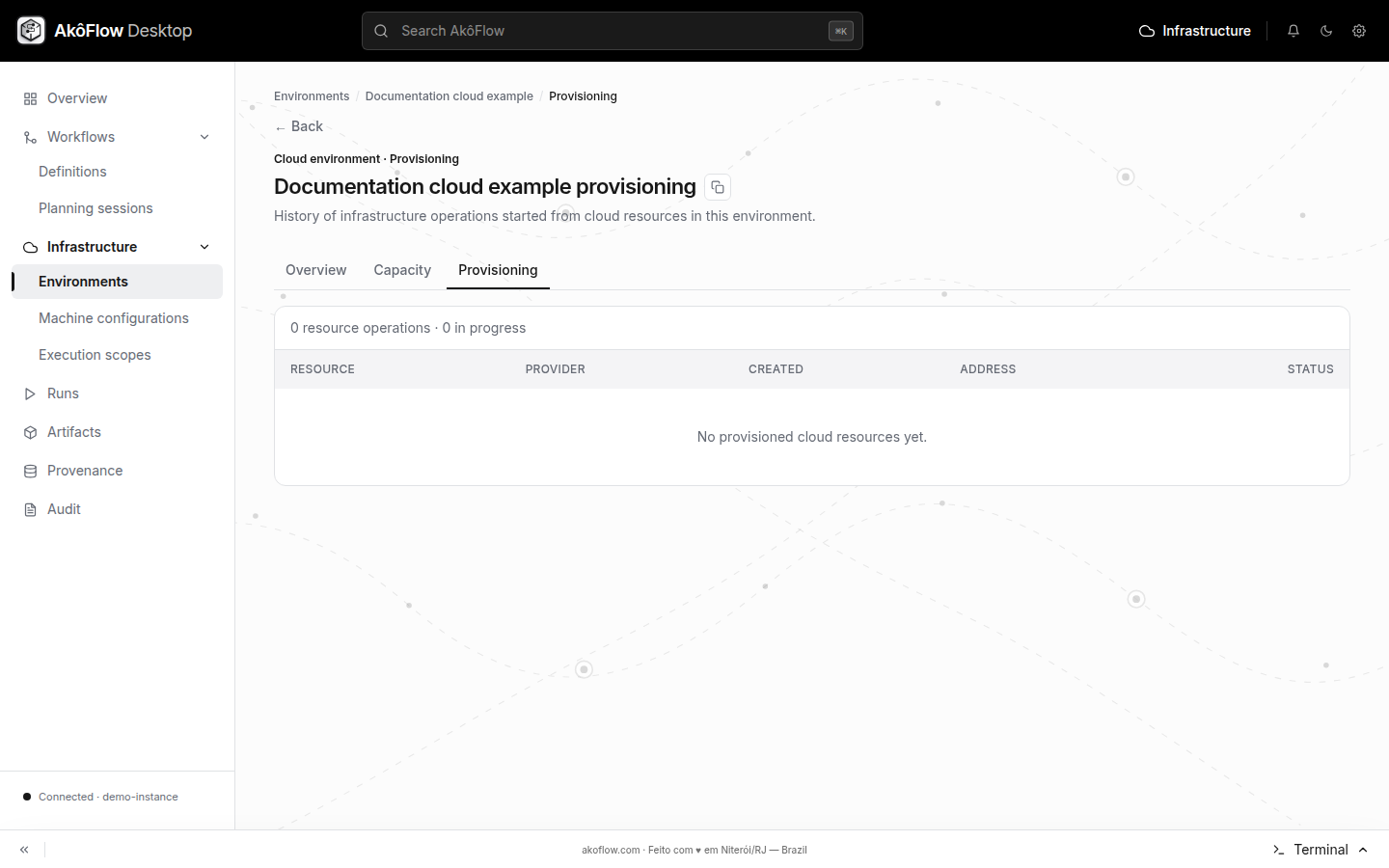
The environment's Provisioning section lists its operations. Open one operation to separate infrastructure creation from machine configuration.
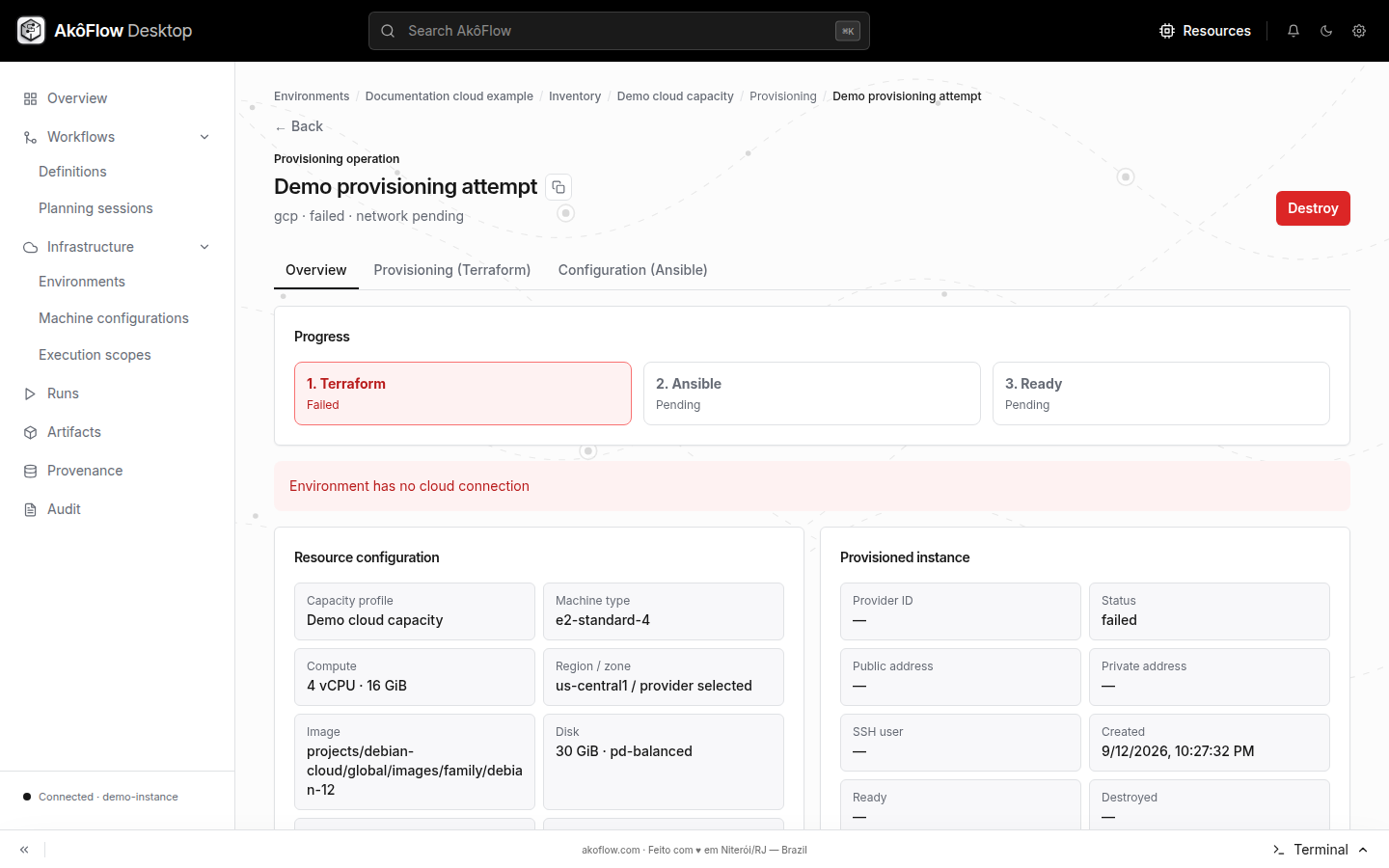
Terraform and Ansible have independent logs and progress. A Terraform success means the infrastructure exists; Ansible success means the selected machine configuration was applied.