Define a workflow
A workflow lists the activities in a scientific computation and the order in which they run. AkôFlow saves versions of that definition, so a plan or past run always points to the workflow version it used.
You can create one in Desktop or import portable YAML. Start with the steps below; use the workflow specification when you need exact fields, limits, and compatibility rules.
Using AkôFlow Desktop
- Open Workflows → Workflow definitions.
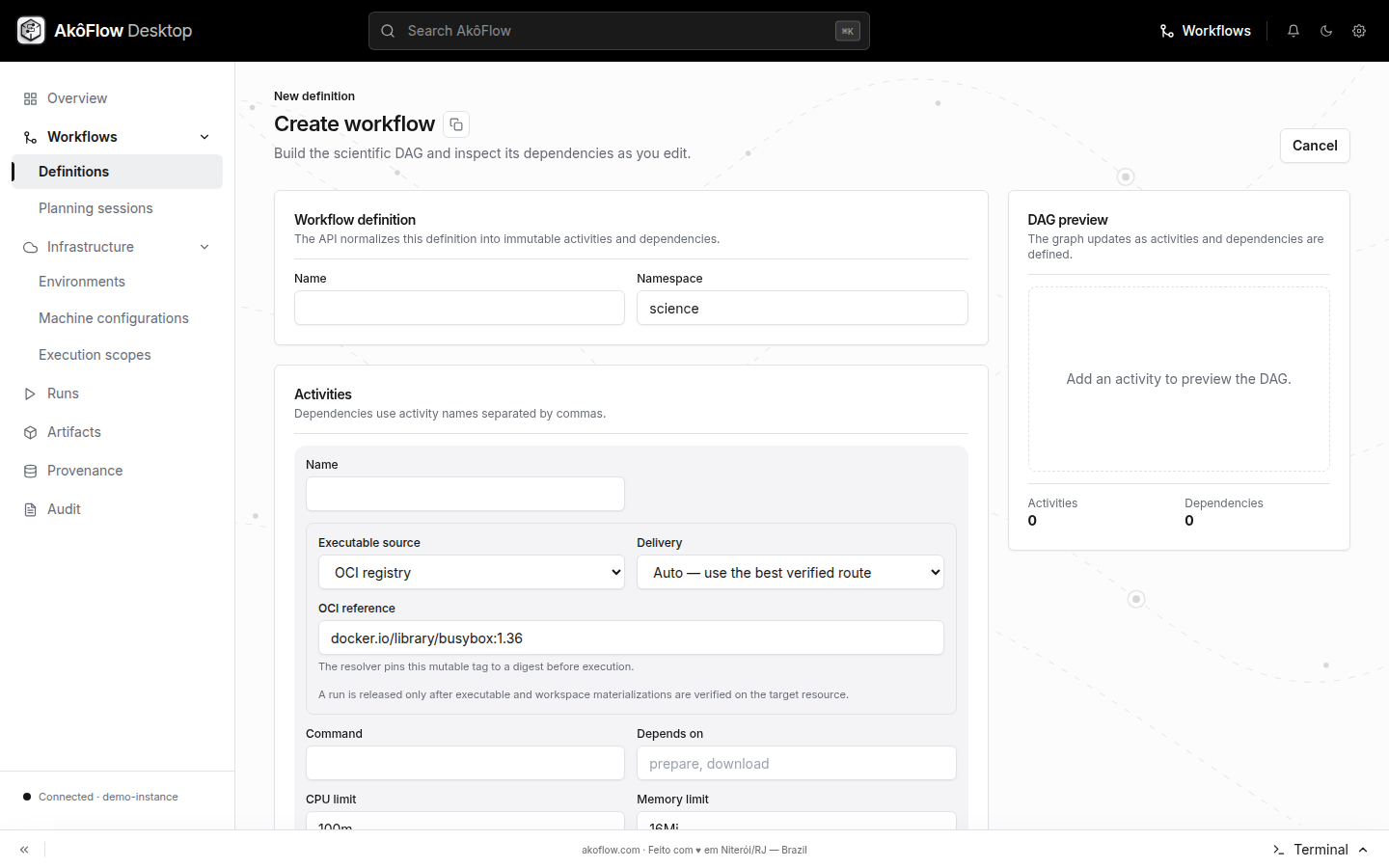
- Choose Create workflow.
- Enter the workflow name and namespace.
- Add activities. For each activity, select an executable artifact, enter the command, CPU and memory limits, and comma-separated predecessor names.
- Check the live DAG preview and create the workflow.
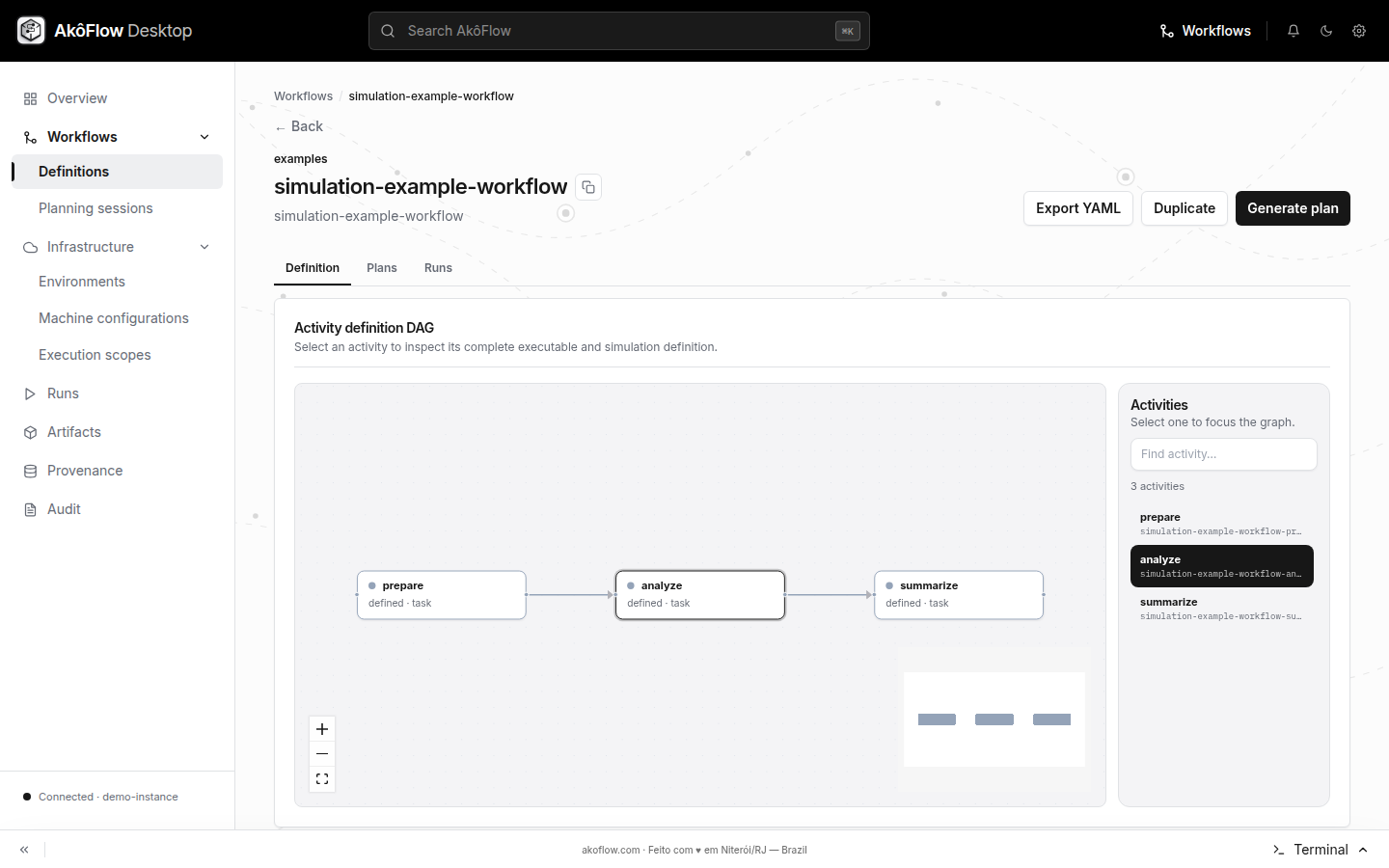
- Open the definition to inspect its activities and dependencies. From the definition page you can also export or duplicate it.
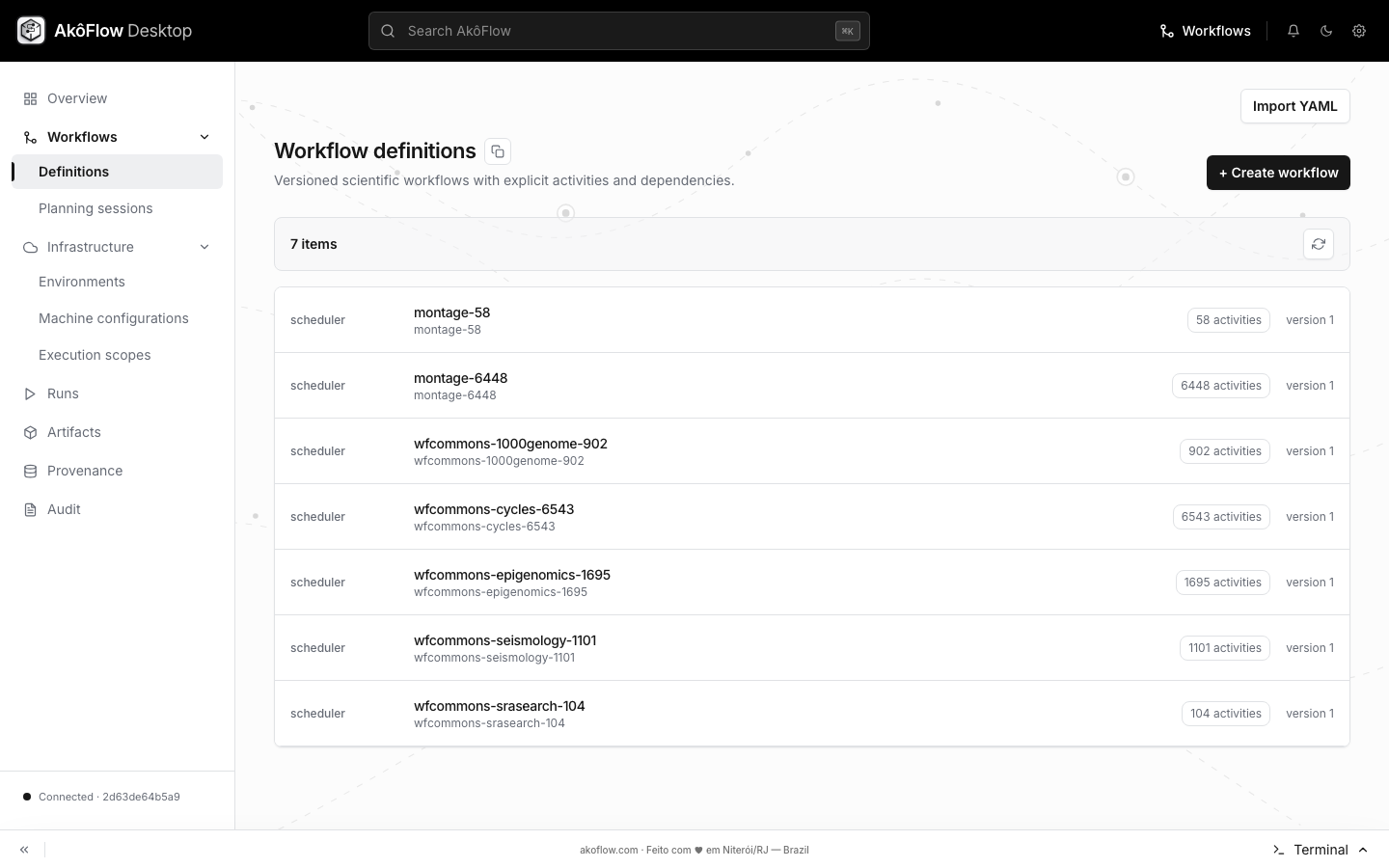
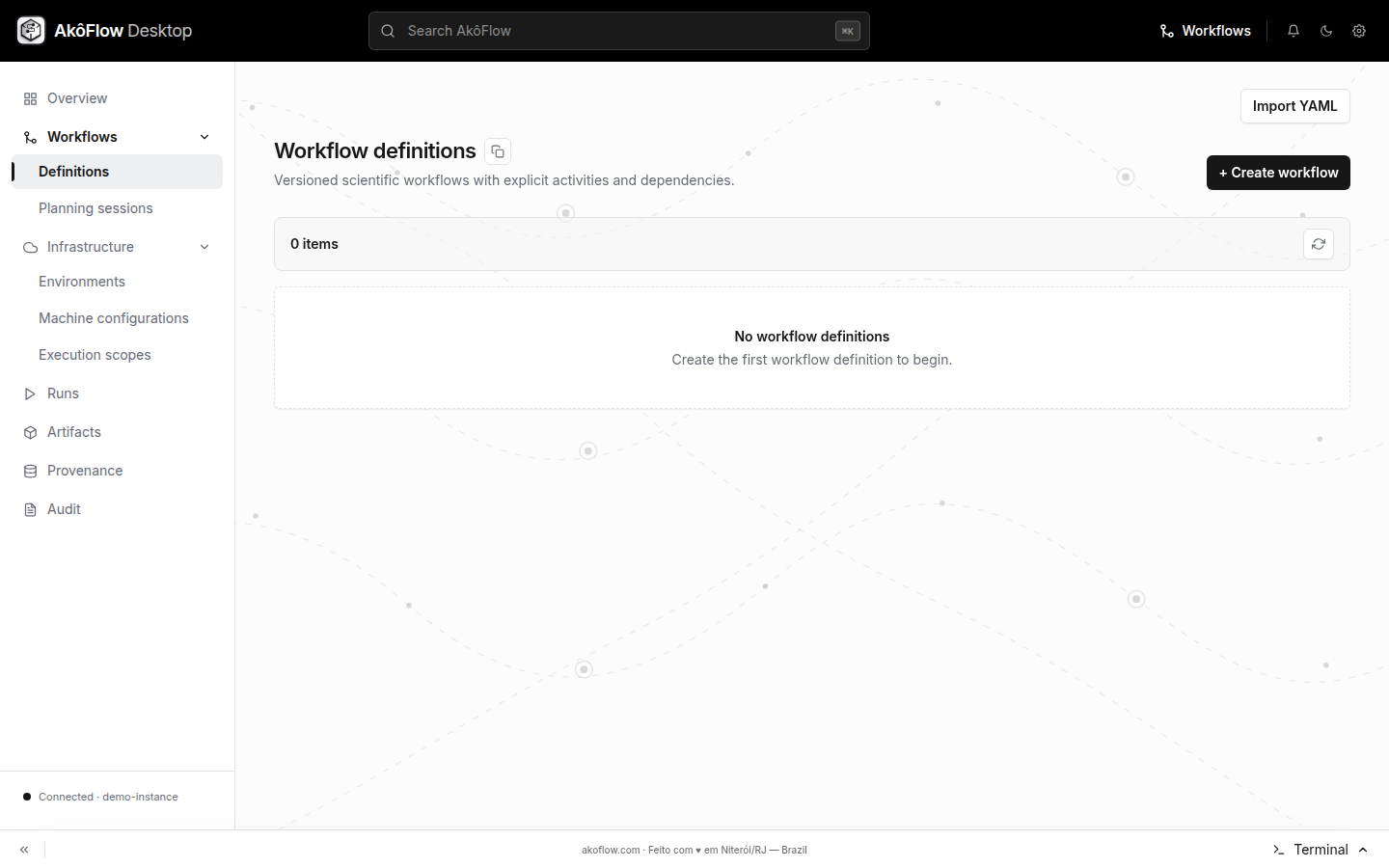
The catalog is the entry point for either path: use Import YAML for a portable definition or Create workflow to enter activities in Desktop. After creation, open the row to inspect the immutable version and its DAG.
The import action accepts the same portable YAML format as the API. Export removes generated IDs and resolved runtime paths so that the result can be imported as a new definition.
Using the API
Complete API connection setup before running these commands.
In portable YAML, each activity names its command, CPU and memory limits, dependencies, and any simulation model. For real execution, command.entrypoint and command.executable are required. An executable can point to an OCI image or another supported artifact source. The older spec.image, activity image, and run shorthands remain accepted, but new definitions should use command and command.executable.
The checked-in SimGrid example uses legacy shorthand. To try the portable simulation fields directly, save this as workflow.yaml. The empty command means these activities are simulation-only; a real run needs an executable and entrypoint as described in the workflow specification.
name: portable-simulation-demo
spec:
  namespace: examples
  activities:
    - name: prepare
      command: {}
      cpuLimit: "1"
      memoryLimit: 128Mi
      simulation:
        model: deterministic
        durationSeconds: 4
    - name: analyze
      command: {}
      cpuLimit: "2"
      memoryLimit: 1Gi
      dependsOn: [prepare]
      simulation:
        model: deterministic
        durationSeconds: 12
Create or import it:
curl --fail-with-body \
  -H "Authorization: Bearer $AKOFLOW_API_TOKEN" \
  -H 'Content-Type: application/yaml' \
  --data-binary @workflow.yaml \
  "$AKOFLOW_API_URL/workflow-definitions/"
Useful definition operations are:
# List definitions
curl --fail-with-body -H "Authorization: Bearer $AKOFLOW_API_TOKEN" \
  "$AKOFLOW_API_URL/workflow-definitions/"

# Read one definition
curl --fail-with-body -H "Authorization: Bearer $AKOFLOW_API_TOKEN" \
  "$AKOFLOW_API_URL/workflow-definitions/portable-simulation-demo/"

# Export portable YAML
curl --fail-with-body -H "Authorization: Bearer $AKOFLOW_API_TOKEN" \
  -o exported-workflow.yaml \
  "$AKOFLOW_API_URL/workflow-definitions/portable-simulation-demo/export/"
The create response contains the saved definition. Use its version.id when creating a planning session.
Next step
Once the workflow, execution scope, resources, and network topology exist, create a planning session.
Inspect workflow definitions in Desktop
The workflow catalog is where definitions are imported or created. Version and activity counts help distinguish similarly named workflows.
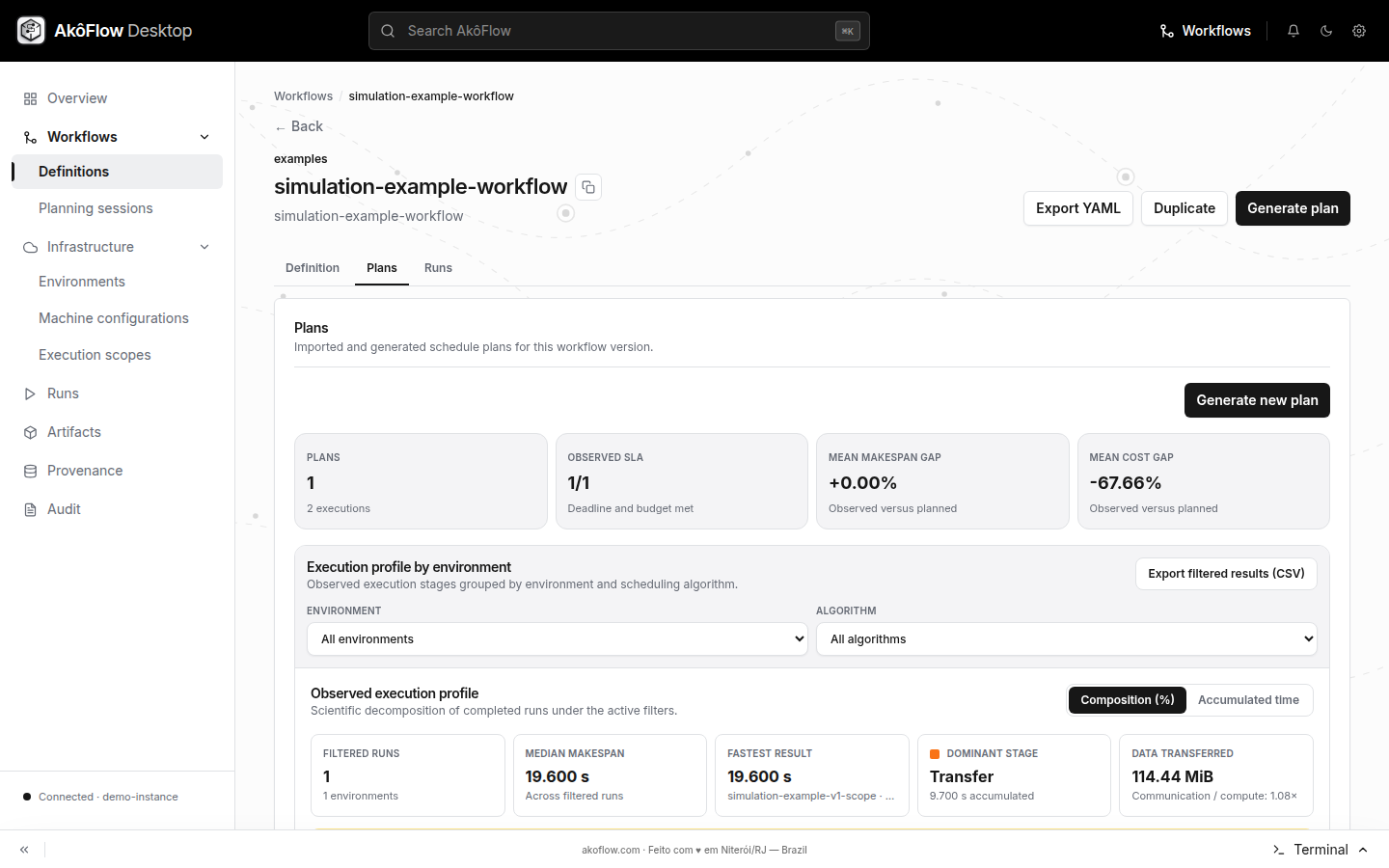
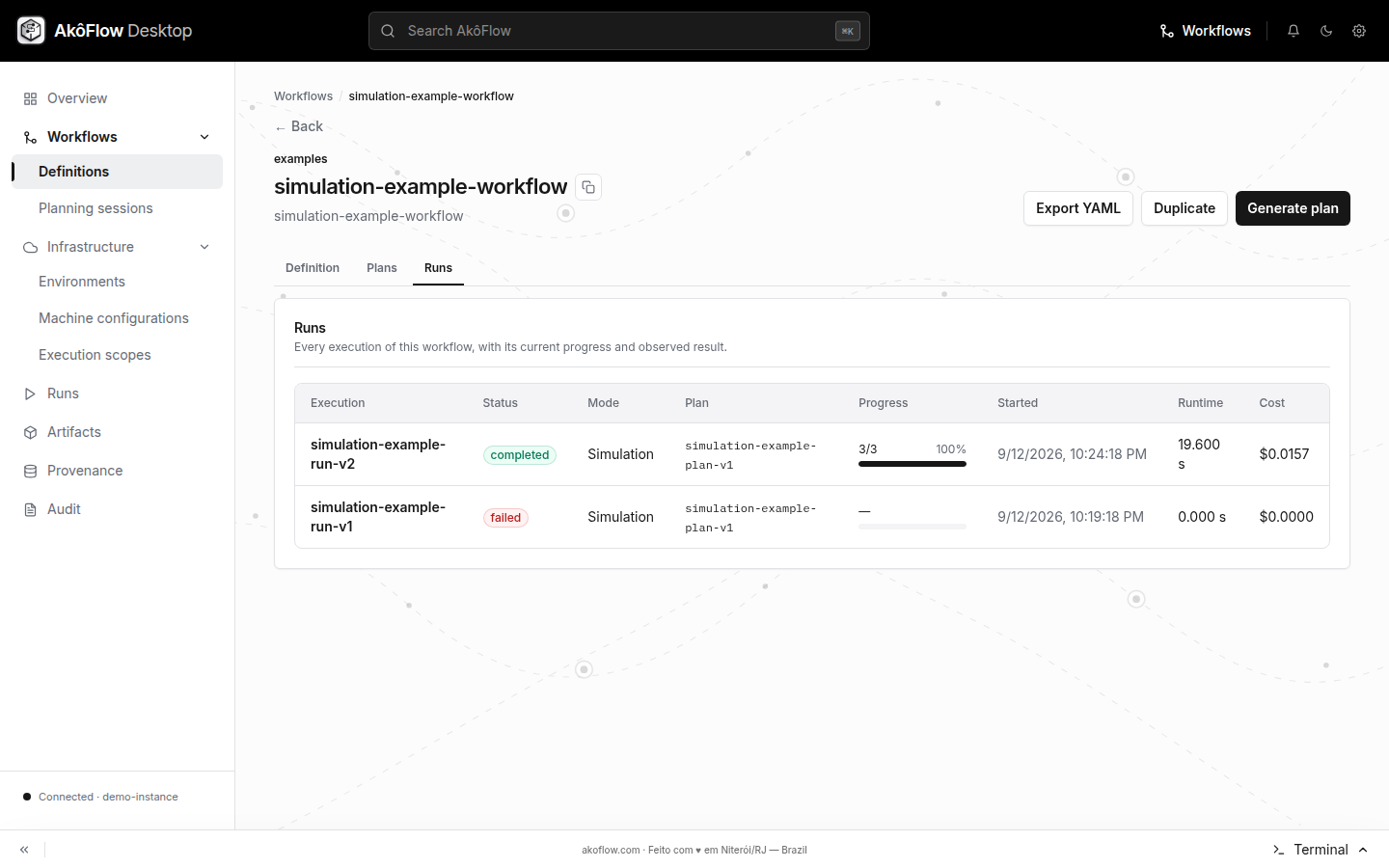
The detail page combines the activity graph with the actions that lead into planning. Its Plans and Runs sections keep downstream records under the workflow that produced them.
During creation, the form and DAG preview should agree before the definition is saved.