Browse and manage storage
AkôFlow exposes storage through environment discovery or configured storage connectors. Browsing is constrained to approved roots and operations are capability-driven: a read-only or unavailable storage does not expose the same actions as a healthy writable storage.
How a storage browse becomes a download
The capability check is the gate every storage action passes through. When a storage reports read-only or its discovery has not verified compute-node access, write-class actions are disabled in the interface and rejected by the API. Downloads are prepared as separate operations and polled until the content is ready, rather than streamed synchronously, so the same flow works for very large files.
Browse files
Using AkôFlow Desktop
- Open an environment and select Storage.
- Choose a discovered storage in the left column.
- Select an approved root and navigate folders with the breadcrumb.
- Use Refresh to reload the current listing. Use Index only when indexing is enabled for that storage.
Entries are loaded lazily for the selected path; opening Storage does not scan the entire filesystem. The badges report read/write access and whether access from compute nodes was verified.
Using the API
# Discover storage IDs for an environment
curl --fail-with-body -H "Authorization: Bearer $AKOFLOW_API_TOKEN" \
  "$AKOFLOW_API_URL/environments/hpc/storages/"

# Inspect approved roots
curl --fail-with-body -H "Authorization: Bearer $AKOFLOW_API_TOKEN" \
  "$AKOFLOW_API_URL/storages/hpc-scratch/roots/"

# Browse one path; preserve nextCursor when the response is paginated
curl --fail-with-body -G -H "Authorization: Bearer $AKOFLOW_API_TOKEN" \
  --data-urlencode 'path=/scratch/project-a' --data-urlencode 'limit=100' \
  "$AKOFLOW_API_URL/storages/hpc-scratch/entries/"
Do not construct paths outside the returned roots. The server validates the requested path against storage policy.
Download, archive, copy, and verify
Using AkôFlow Desktop
The actions column can download a file, archive and download a directory, copy an entry to another storage, calculate a checksum, or delete an entry. Buttons are disabled when the selected storage is unhealthy or lacks the required capability. Deletion asks for confirmation and cannot be undone by AkôFlow.
Using the API
# Prepare a file download (POST /archives/ for a directory)
curl --fail-with-body -H "Authorization: Bearer $AKOFLOW_API_TOKEN" \
  -H 'Content-Type: application/json' -X POST \
  "$AKOFLOW_API_URL/storages/hpc-scratch/downloads/" \
  -d '{"path":"/scratch/project-a/result.csv","id":"download-result-1"}'

# Copy to another registered storage
curl --fail-with-body -H "Authorization: Bearer $AKOFLOW_API_TOKEN" \
  -H 'Content-Type: application/json' -X POST \
  "$AKOFLOW_API_URL/storages/hpc-scratch/copies/" \
  -d '{"path":"/scratch/project-a/result.csv","destinationStorageId":"archive-store","id":"copy-result-1"}'

# Calculate a checksum
curl --fail-with-body -H "Authorization: Bearer $AKOFLOW_API_TOKEN" \
  -H 'Content-Type: application/json' -X POST \
  "$AKOFLOW_API_URL/storages/hpc-scratch/checksum/" \
  -d '{"path":"/scratch/project-a/result.csv"}'
Downloads and archives may return queued runs. Read GET /storage-downloads/{downloadId}/ until the run is ready, then fetch GET /storage-downloads/{downloadId}/content/.
Register an existing file
Using AkôFlow Desktop
Use Register as DataObject for a file that should enter the workflow data model. For a .sif file, Register executable artifact is also available. The current quick actions register the selected path with generated identifiers; use the API when you need explicit lineage or artifact metadata.
Using the API
curl --fail-with-body -H "Authorization: Bearer $AKOFLOW_API_TOKEN" \
  -H 'Content-Type: application/json' -X POST \
  "$AKOFLOW_API_URL/storages/hpc-scratch/promote-data/" \
  -d '{"path":"/scratch/project-a/result.csv","id":"data-result-1","workflowVersionId":"analysis-v3","runId":"run-42","activityId":"aggregate"}'

curl --fail-with-body -H "Authorization: Bearer $AKOFLOW_API_TOKEN" \
  -H 'Content-Type: application/json' -X POST \
  "$AKOFLOW_API_URL/storages/hpc-scratch/promote-artifact/" \
  -d '{"path":"/scratch/images/solver.sif","id":"solver-sif-1","name":"Solver","version":"1.2.0","scope":"environment","scopeId":"hpc"}'
Promotion registers the existing path; it does not upload or move the file.
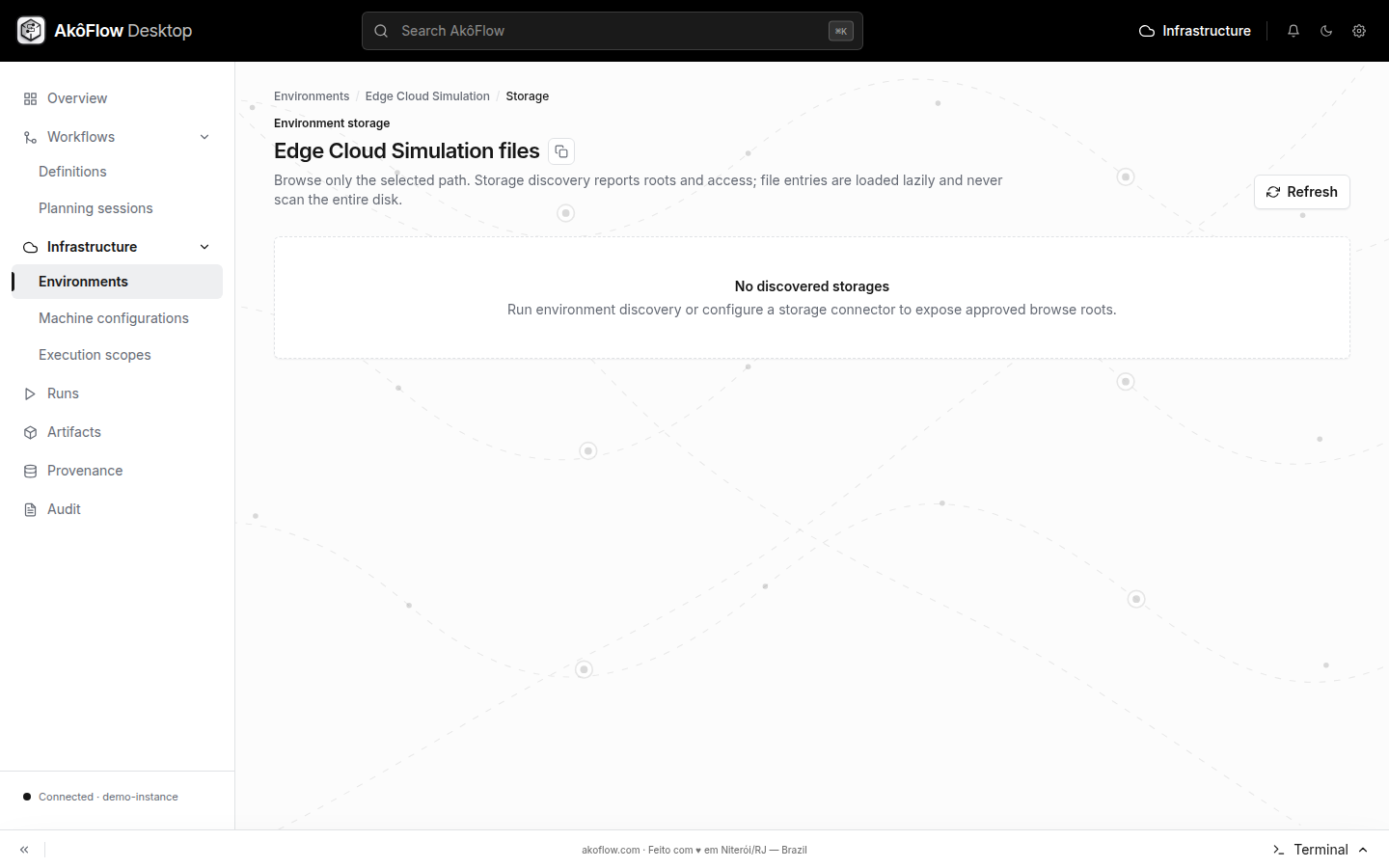
Desktop storage view
Open an environment's Storage section to select a registered storage and browse only its approved roots. This is the same context used by download, checksum, copy, archive, and promotion operations.